Product tour

Follow one job from booking to paid

Seven steps, about two minutes. No sign up and no video to sit through. Click through at your own pace.

Step 1 of 7

A customer books online

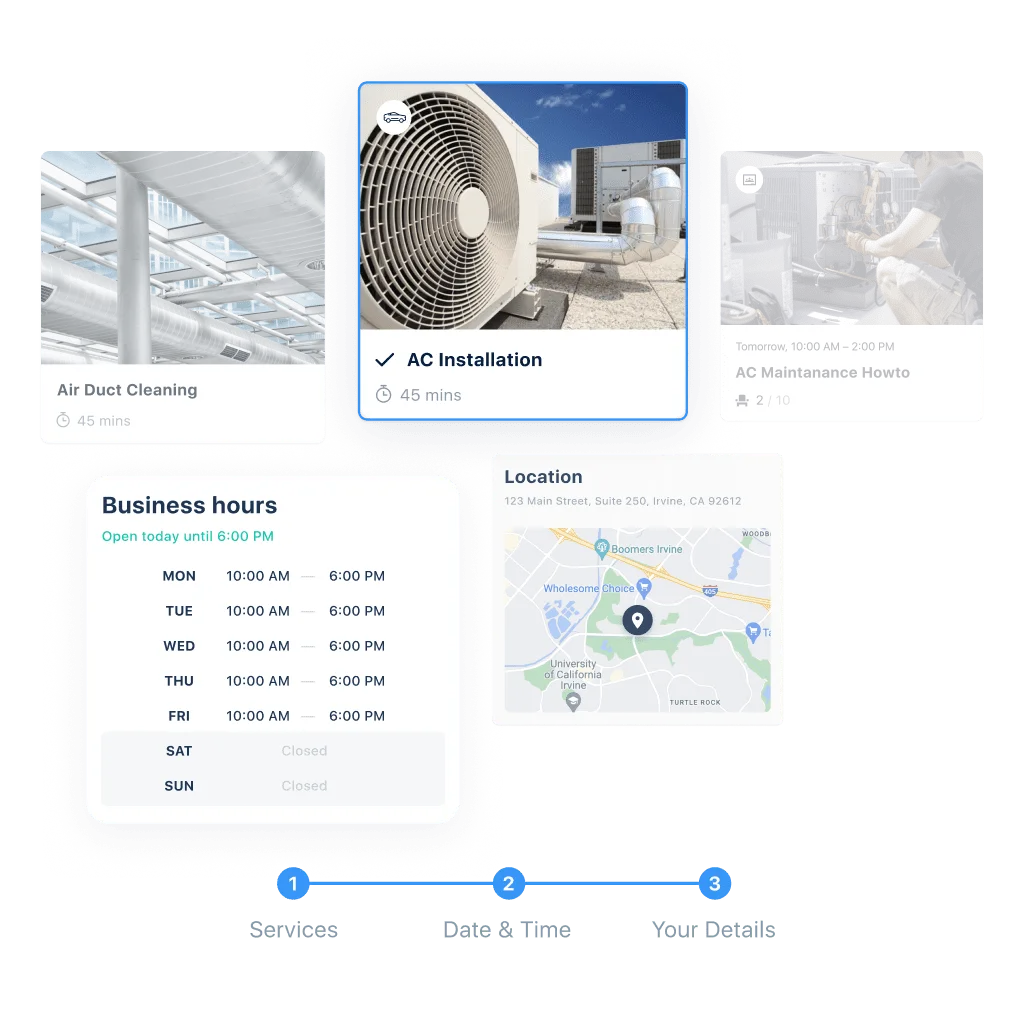
Your booking page shows your services, hours and open times. Customers pick a slot and it lands on your calendar. No phone tag.

  • Share one link by text, email or on your website
  • Only your open times are offered
  • You and the customer both get a confirmation
See scheduling
An online booking page showing services, business hours and a location map
Step 2 of 7

Send an estimate they can approve

Build an estimate from your saved services and prices, then send it. The customer reads it on their phone and approves it with one tap.

  • Saved line items, so quoting takes minutes
  • Approve and sign from any phone
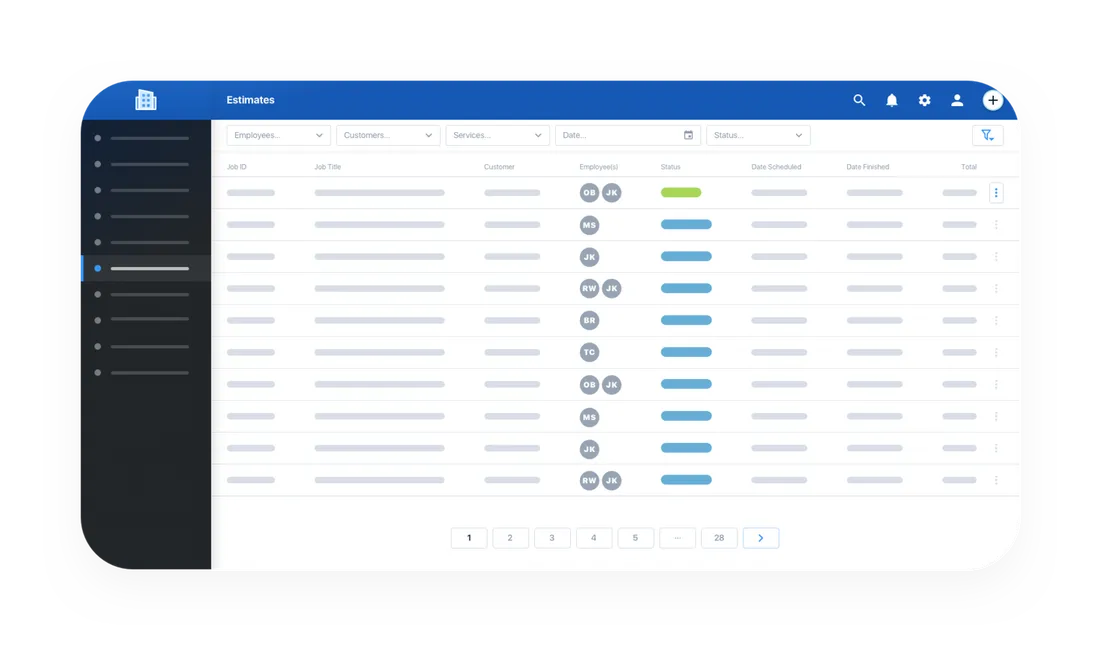
  • Every estimate tracked in one list
See estimates
The estimates list in CustomerBase
Step 3 of 7

Put the job on the board

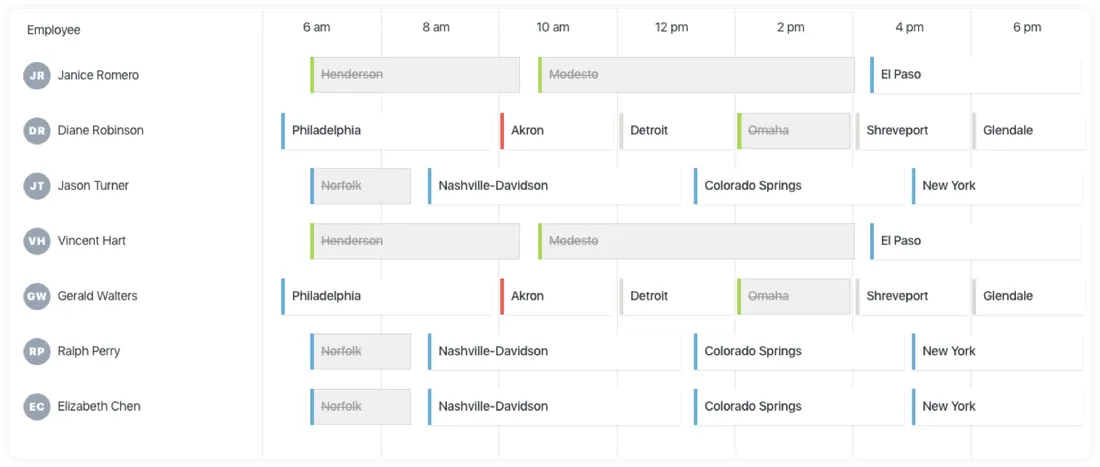
See who is where, all day. Drag a job to the right person and time, and everyone sees the change at once.

  • One board for the whole team
  • Spot gaps and double bookings fast
  • Works on a laptop, tablet or phone
See jobs
A dispatch board showing each team member and their jobs across the day
Step 4 of 7

Run the job from your phone

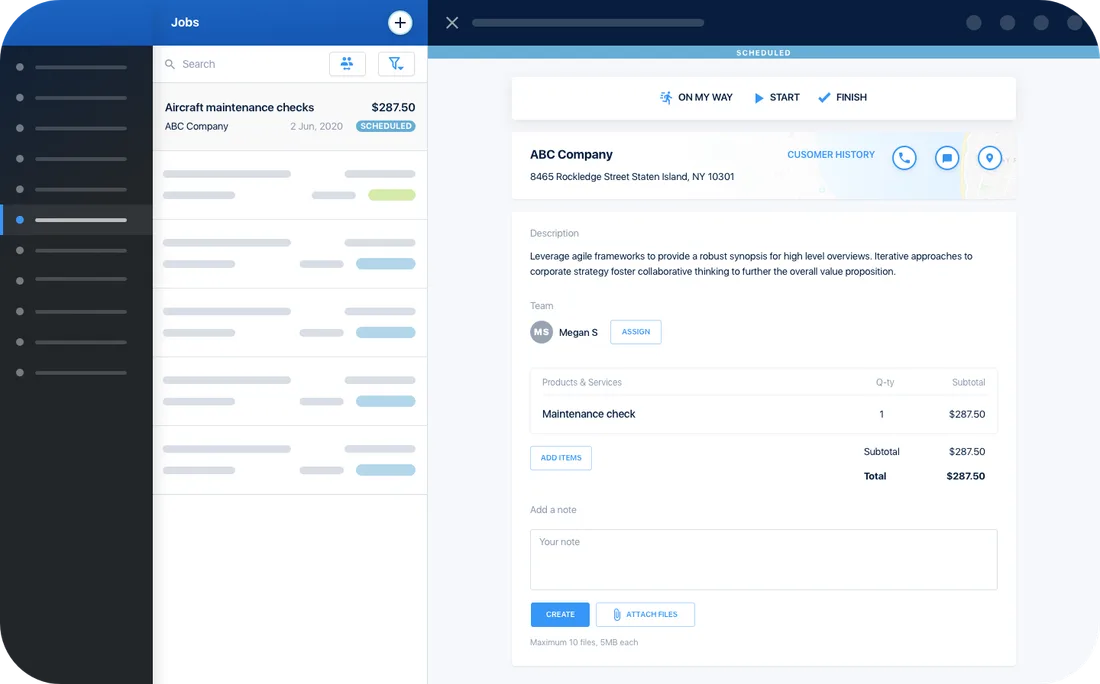
Tap "On my way" and the customer gets a text. Start the job, add notes and photos, and finish it, all from the job screen.

  • On my way, start and finish in one tap
  • Notes, photos and files stay on the job
  • Customer history beside the work order
See jobs
The jobs screen with status buttons and line items
Step 5 of 7

Turn the job into an invoice

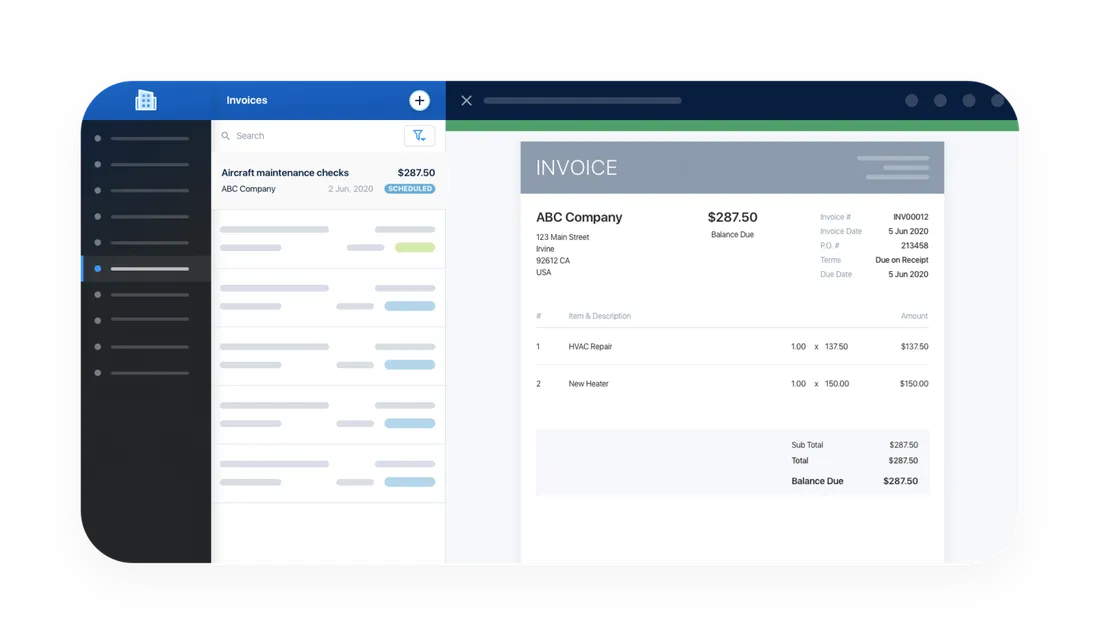
When the work is done the invoice is already built from the job. Check it and send it by text or email.

  • No retyping from the estimate
  • Your logo and your terms
  • Reminders go out for unpaid invoices
See invoices
An invoice open in CustomerBase
Step 6 of 7

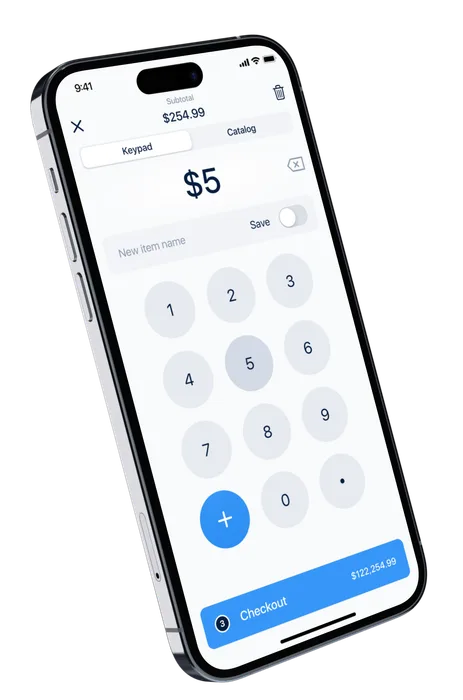
Get paid on the spot

The customer pays from the link, or you take the card in person with Tap to Pay on your own phone. Card, bank payment, or a saved card.

  • Pay links by text, email or QR code
  • Tap to Pay, no extra reader needed
  • Recurring payments for repeat work
See payments
A customer checkout page on a phone
Step 7 of 7

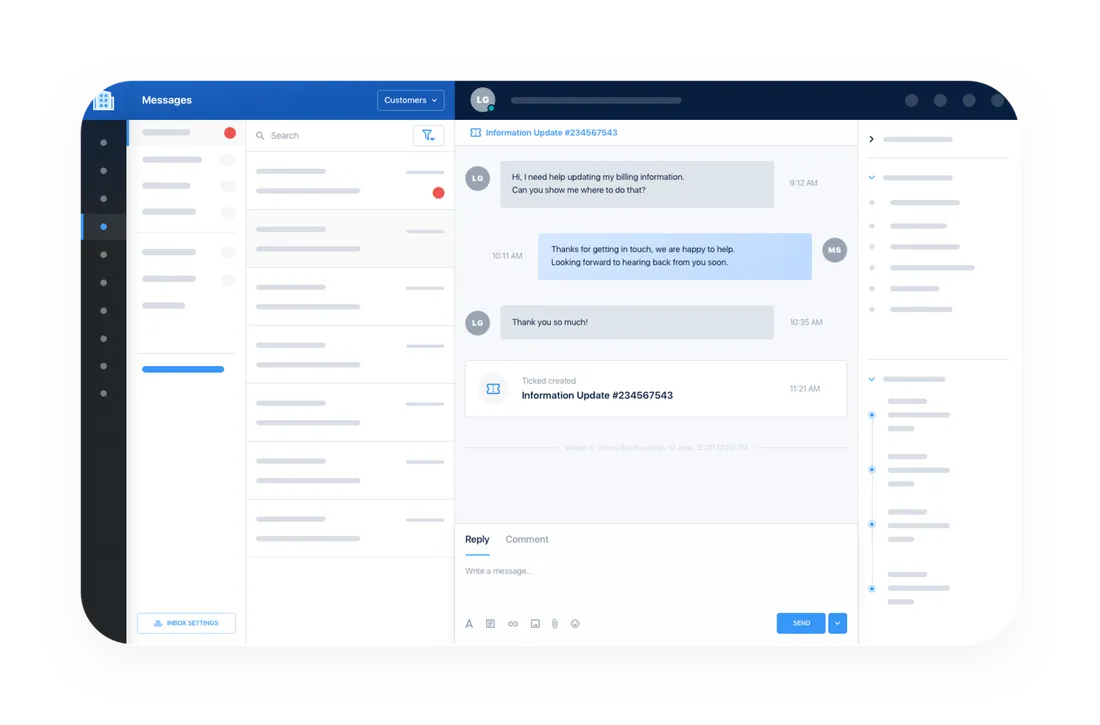
Keep the conversation going

Texts, emails and calls with each customer sit in one thread. Ask for a review when the job is paid, and book the next visit.

  • Two-way texting with your customers
  • Review requests by text and email
  • The whole history in one place
See communications
The messages screen showing a conversation with a customer
6,500+Businesses signed up
4,869Appointments booked, last 30 days
1,870Invoices paid, last 30 days
1,300Reviews received, last 30 days

Want to see it with your own jobs?

Tell us about your business and we will walk you through it. Plans start at $39 a month.